How to Back Up Your Photos and Documents Safely
A phone can be lost or broken in a second. A simple backup routine keeps your family memories and papers safe.
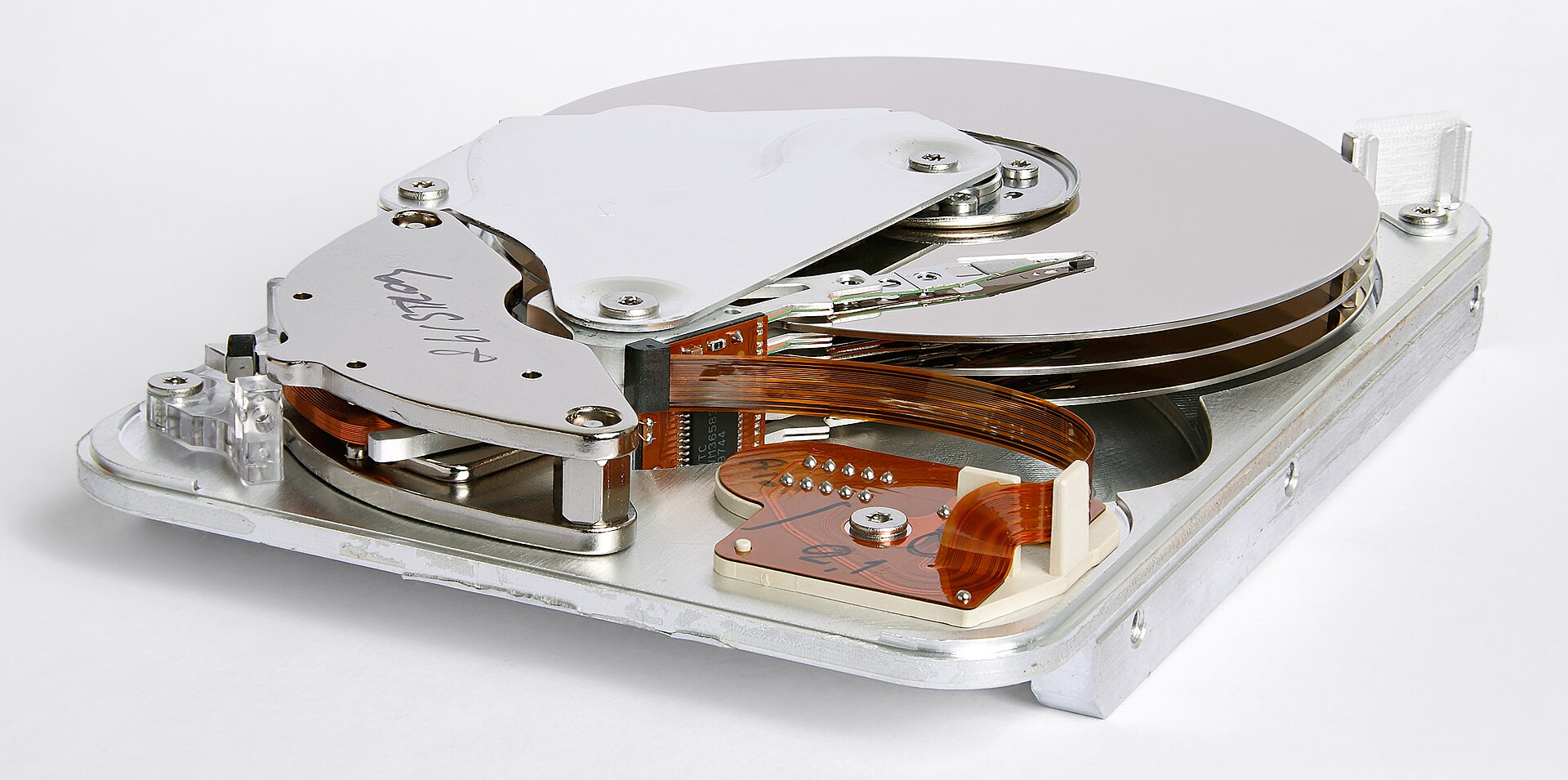
Think about what would happen if your phone fell into a drain tomorrow. The contacts can be recovered, but what about the photos of your child’s first steps, your parents’ old pictures, or scans of property papers and certificates? Many people only learn the value of a backup after losing something. If you have never tried to back up photos and documents, this guide gives you a simple routine that anyone can follow.
Why one copy is never enough
Devices fail in many ways. Phones are lost, stolen, dropped in water or wiped by a software problem. Hard drives stop working without warning. Laptops get infected by harmful software. A file that exists in only one place is a file that can be lost. A backup is simply another copy kept somewhere different, so that a single accident cannot destroy everything.
The easy three-copy idea
A popular rule among people who look after data is called the 3-2-1 rule. It means keeping three copies of important files, on two different types of storage, with one copy kept in a different location. You do not need to follow it perfectly, but it is a good target.
- Copy one: the original on your phone or computer.
- Copy two: an external hard drive or a pen drive at home.
- Copy three: cloud storage, which keeps your files on a company’s servers, away from your house.
If your home faces a fire or a flood, the cloud copy survives. If the internet is down or the cloud account has trouble, the drive at home is still there.
Step by step: how to back up photos on your phone
Turn on automatic cloud backup
Most phones offer a built-in backup for photos and videos. Switch it on in the settings, choose whether it should use Wi-Fi only so you do not spend mobile data, and let it run overnight while the phone is charging. Free storage plans are usually limited, so check how much space you have and whether a paid plan fits your needs.
Copy to a hard drive once in a while
Every few months, connect your phone to a laptop and copy your photos into a folder on an external drive. Name folders by year and event, such as 2026 Diwali, so you can find them later. Keep the drive in a safe, dry place.
Check that it works
Do not assume the backup is perfect. Open a few photos from the cloud on another device, and open some from the drive, to confirm they are readable. A backup you have never tested is only a hope.
Do not forget important documents
Photographs are emotional, but documents are practical. Scan or photograph items such as Aadhaar and PAN cards, marksheets, property papers, insurance policies, medical reports and bank details. Save them in a clearly named folder, and protect that folder with a strong password or an encrypted option if your service offers one. Keep paper originals safe too, since digital copies do not always replace them.
Be careful about sharing sensitive documents through random apps and avoid storing them in a place that many people can access. If you share a laptop or phone with family members, use separate accounts or protected folders.
Make it a habit
- Set a monthly reminder to check that your backups have run.
- Back up before upgrading or repairing a phone, since repairs can wipe data.
- Delete duplicates and blurred photos to save space, but only after your backup is confirmed.
- Keep the cloud account password strong and turn on two-step verification.
- Tell a trusted family member where the important copies are kept.
Old pen drives and hard drives do not last forever. If you have family photos stored on devices that are more than five to ten years old, move them to something newer soon. Printing a few favourite pictures is also a sweet way to protect them.
Bringing it together
A good backup does not need technical skill. Keep three copies, use both a cloud service and a drive at home, include your documents and check now and then that everything opens. An afternoon of setup will protect memories and papers that cannot be replaced.
Related reading: How to Spot Phishing Messages and Scam Calls Before They Hurt · How to Free Up Phone Storage Without Losing Your Memories · How to Care for Silk Sarees So They Last for Generations
Photo: Eric Gaba (Sting – fr:Sting)
This image was created with CombineZP by 11 ( I, Wikimedia Commons (CC BY-SA 3.0)